Docs

Navigation

Getting started

IntroductionSetupUpload Documents

System apps

System Apps OverviewBrowse & UploadSearchReconciliation WorkbenchMoney FlowDocument TypesTasks

Custom fields

Custom Document Type/FieldsAI Custom FieldsNon-AI FieldsFormula Fields

Ai builder

AI Builder OverviewTxScript OverviewTxScript for Mini AppsTxScript for TasksTxScript for Formula Fields

Faq

FAQ OverviewIs %%APP_NAME%% an Accounting system?How do I get started?What types of documents are supported?What is a Folder Mapping?What are Mini-Apps?How do I integrate with external systems like ERP, CRM, or accounting software?How does Reconciliation work?How does pricing work?Where can I get help?

Integration

Integration OverviewEmail UploadWebhook UploadWebhook Get DocumentWebhook Delete DocumentWebhook Callbacks (Outbound)Complete Upload + Polling example

Pricing

Pricing

Guides

Best Practices

How does Reconciliation work?

PreviousNext

Understanding the Reconciliation Workbench

Reconciliation Overview

The Reconciliation Workbench lets you link related data items together, creating connections between invoices, payments, and transactions to build a complete Money Flow graph.

See Reconciliation Workbench for full documentation.
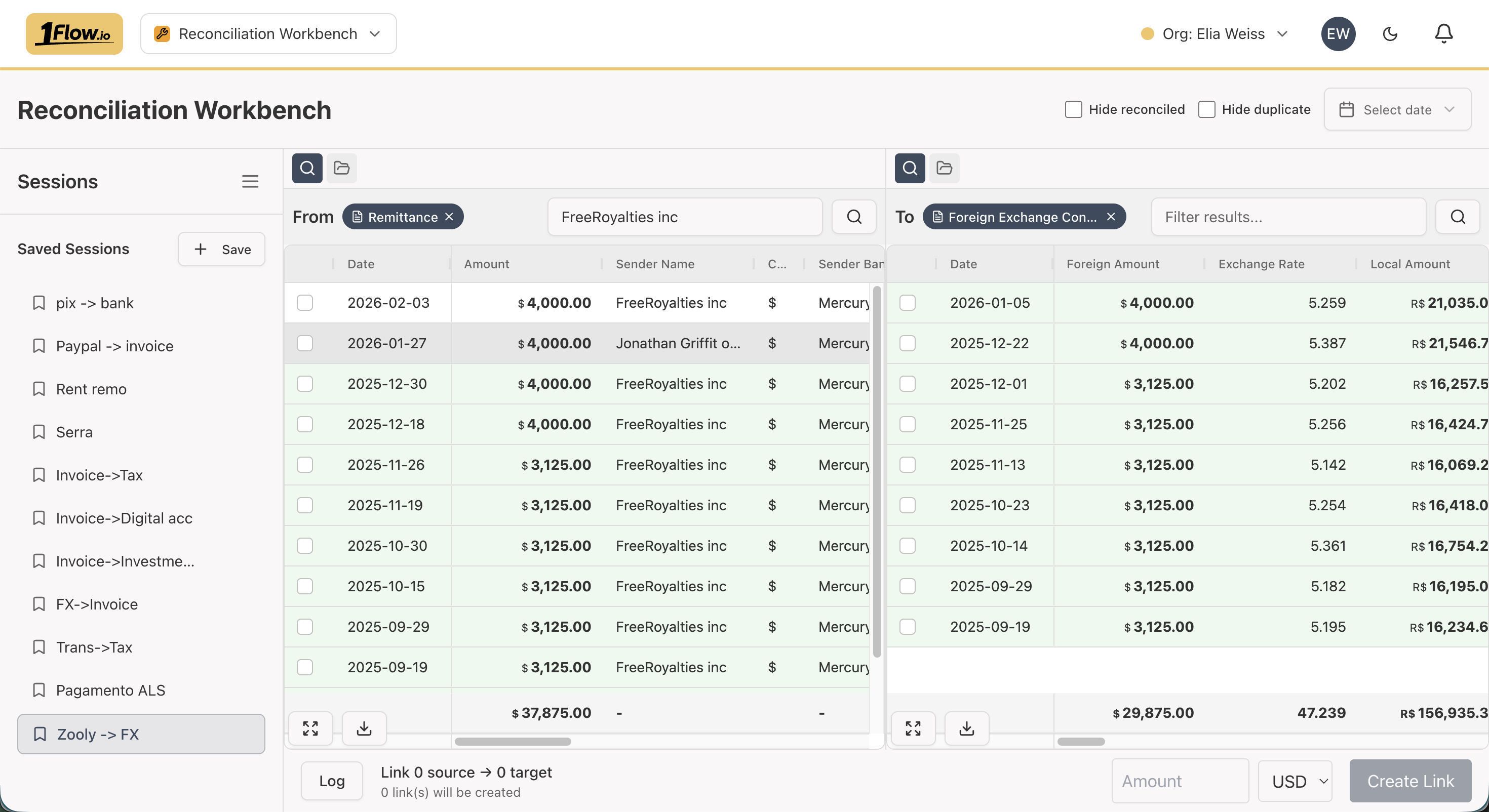
Reconciliation Workbench screen
How do I integrate with external systems like ERP, CRM, or accounting software?How does pricing work?

On This Page

Reconciliation Overview